
Availability Information
Depending on the supplier configuration, the following availability fields may be returned.
| Field | Description |
|---|---|
| InStock | Indicates whether the requested quantity is available (Yes, Low or No). |
| ExpectedStockDate | Expected date when the product will be available. Available when StockPush is used. |
| ExpectedStockComment | Additional information provided by the supplier regarding availability. Available when StockPush is used. |
Before You Begin
To include availability information in an export, the following conditions must be met:
- Your supplier has enabled Product Availability for your customer code.
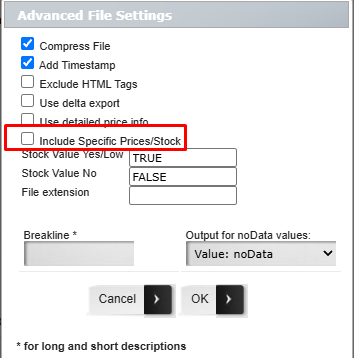
- Include Specific Prices/Stock is enabled in Advanced File Settings.
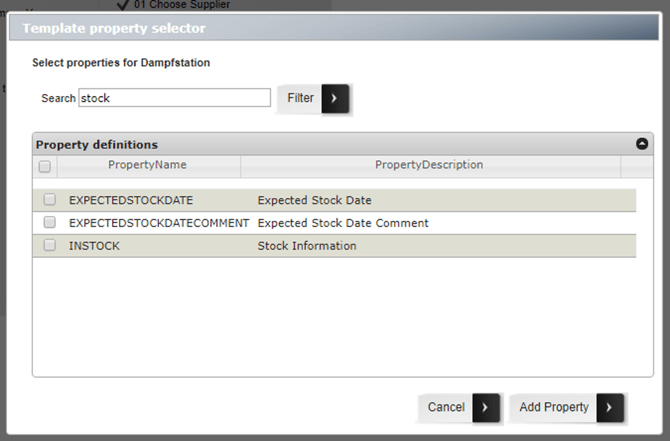
- Your export template includes the required availability fields (Excel and CSV only).
Excel & CSV
Availability fields are not included automatically.
Add the following fields to your export template:
| Field | Description |
|---|---|
| InStock | Product stock status |
| ExpectedStockDate | Expected stock date (StockPush only) |
| ExpectedStockComment | Supplier comment about expected stock (StockPush only) |
TradeXML
When using the Full TradeXML system template:
- Availability properties are added automatically.
- No manual template configuration is required.
- The information is exported inside the Availability section under OtherData.