
Follow these steps to access the Content Portal for the first time:
STEP 1
Log into your Tradeplace account HERE.
STEP 2
Click on "Register" on the Content Portal tab, this will activate your access to the service. Once the page reloads you can click on "Enter".
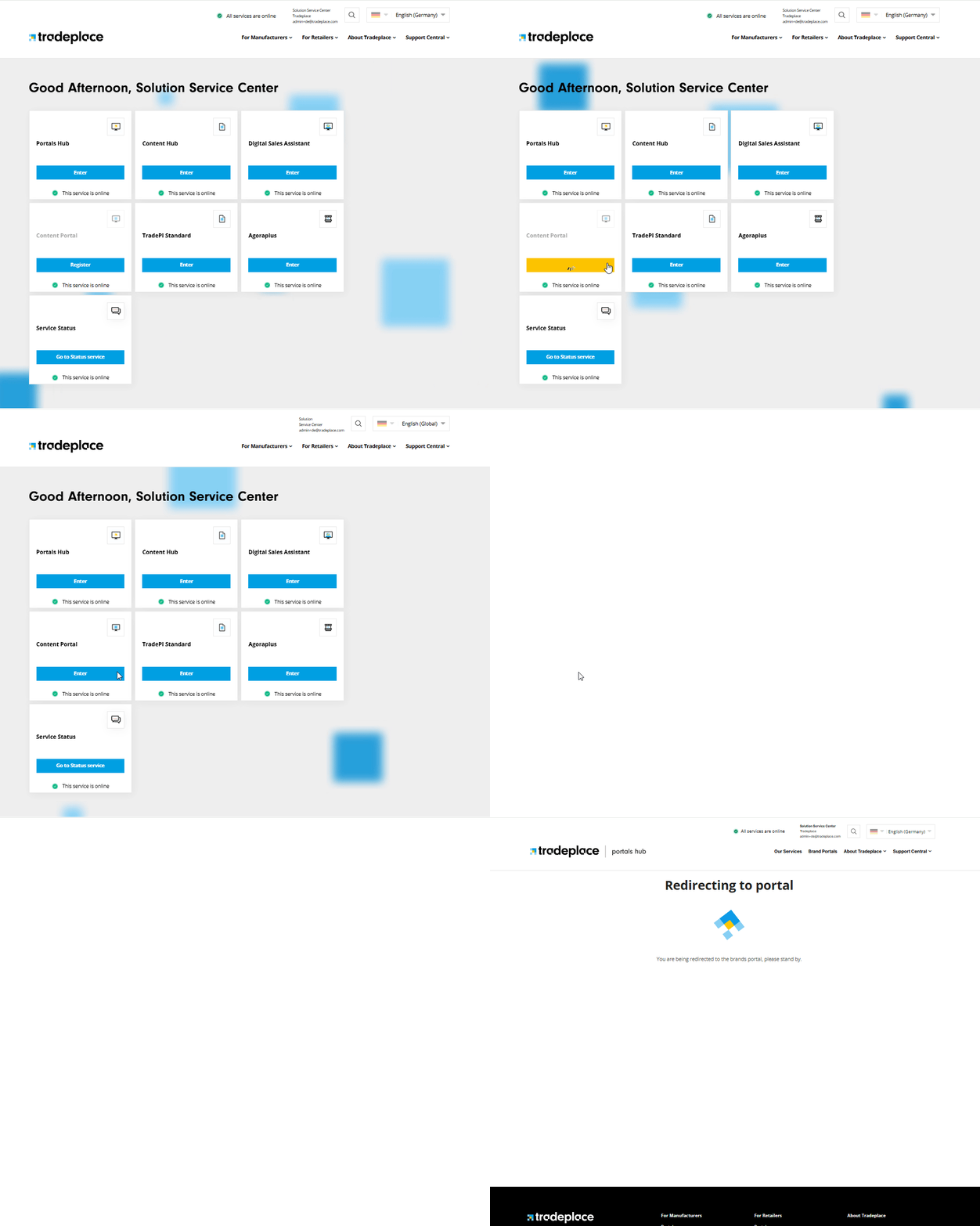
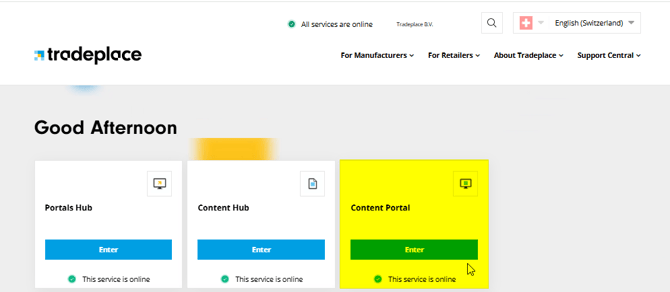
If you are already registered for the service, simply click "Enter" to access it.
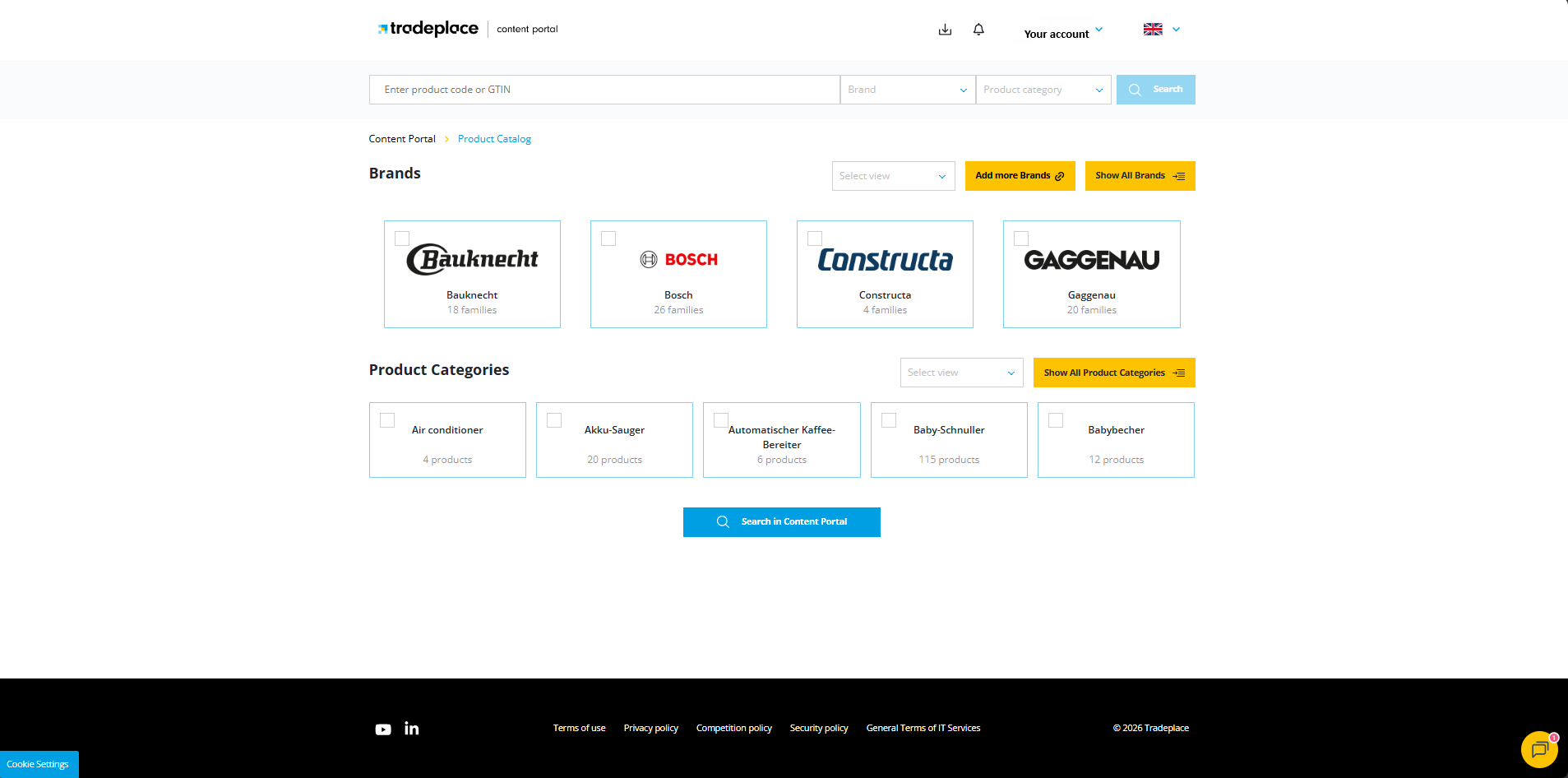
On the home page, you can view all brands available for your Tradeplace account, along with their corresponding product families. From here, you can also open the Download Cart and change the language.
To learn how to request brands for this service, follow the instructions in these articles: